Your personal license.
- One-time purchase. Perpetual personal license. No subscription.
- Two active installations.
- Compatible version 1.x updates included.
Nutsy Notes Desktop
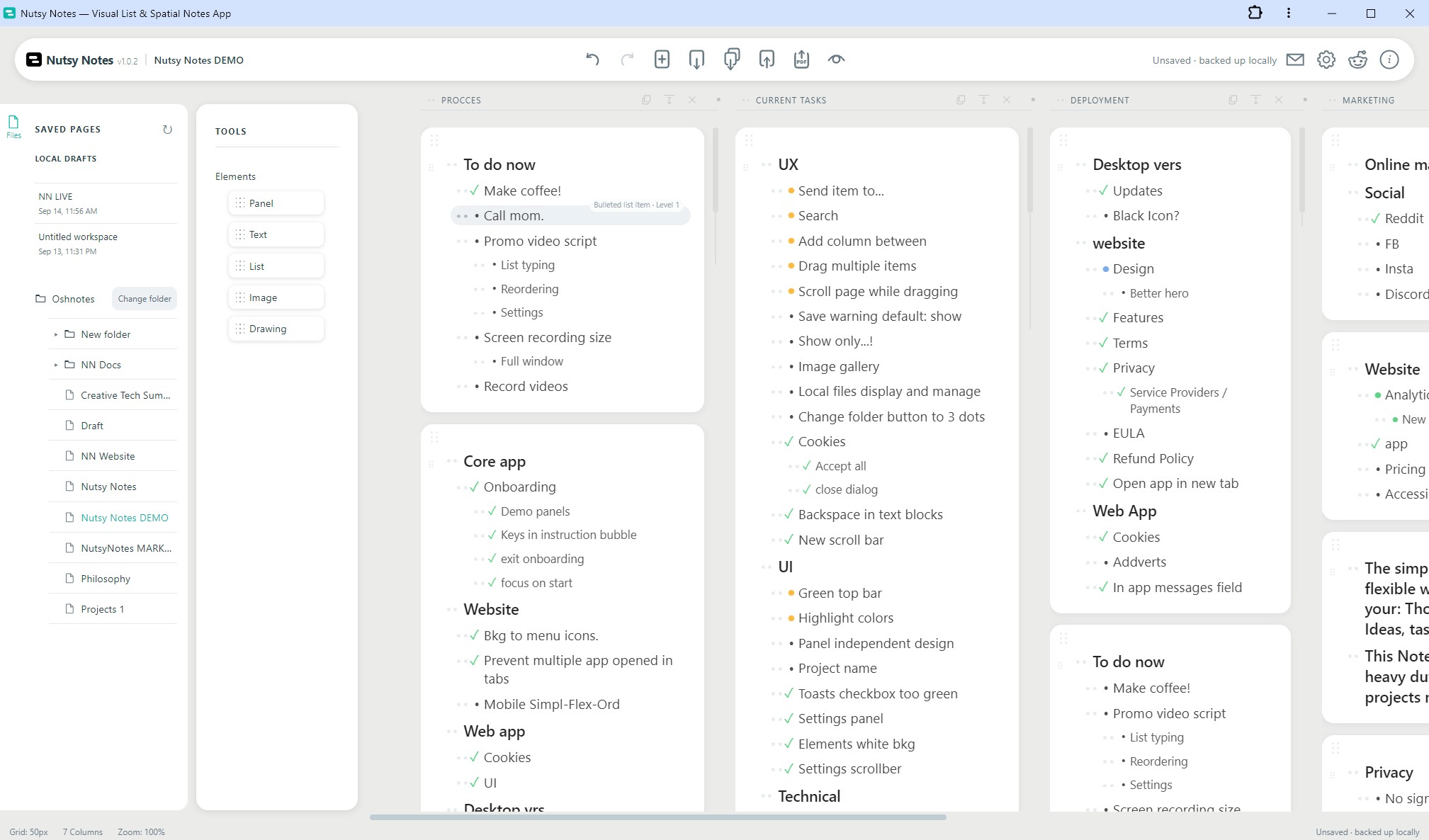
Install Nutsy Notes as a dedicated desktop app. It runs in its own window, keeps workspace files on your computer and can launch offline after activation.
Purchase and installation
One-time purchase. No subscription.
Check that your computer and browser are supported before purchasing.
 Chrome
 SafariChrome
 Edge
Use a current browser release, a precise pointer and a viewport at least 900px wide. Linux is not officially supported.
Immediate digital delivery. Review the Terms and Software License and Privacy Policy.